






What is encryption? How it works + types of encryption
Most of us jump online without thinking about what happens behind the scenes, trusting that the details we enter and the messages we send are safely protected. But the internet isn’t always so forgiving, and your personal information can be more exposed than you realise. Knowing how encryption works is a smart start, and using reliable security like Norton 360 Deluxe helps protect your devices and data so you can browse with greater confidence.






What is encryption?
Encryption is a cybersecurity technique that scrambles plain, readable text into an unreadable format called ciphertext. Only someone with the matching decryption key can convert the information back into something understandable.
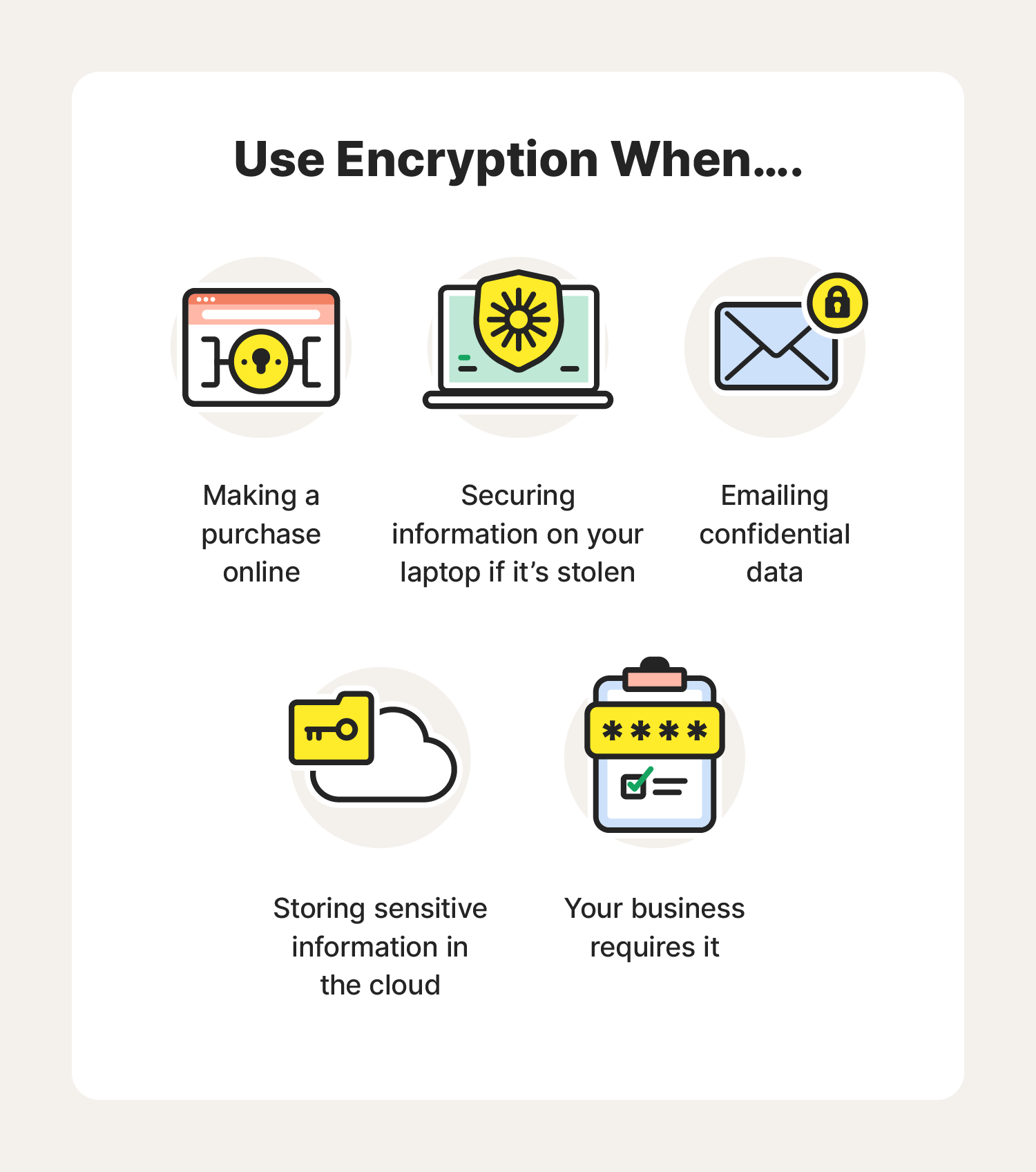
Each time you browse the web, sign in to an account, or make a purchase, your details pass through connected servers. Without strong protection, a cyber-criminal who intercepts that data may attempt to use it. Encryption stops that by transforming the information into something that makes no sense to anyone without the key.
You often use encryption without realising it, because many apps and websites automatically protect your information as it moves online. Whether you’re messaging your doctor, signing in to online banking, or sharing a confidential work file, encryption works in the background.
How does encryption work?
Imagine sealing your message in a locked box before sending it. The only person who can open the box is the one who holds the matching key. Encryption follows this same idea. It uses an encryption key to scramble data into ciphertext and relies on a corresponding decryption key to decrypt it back into readable text.
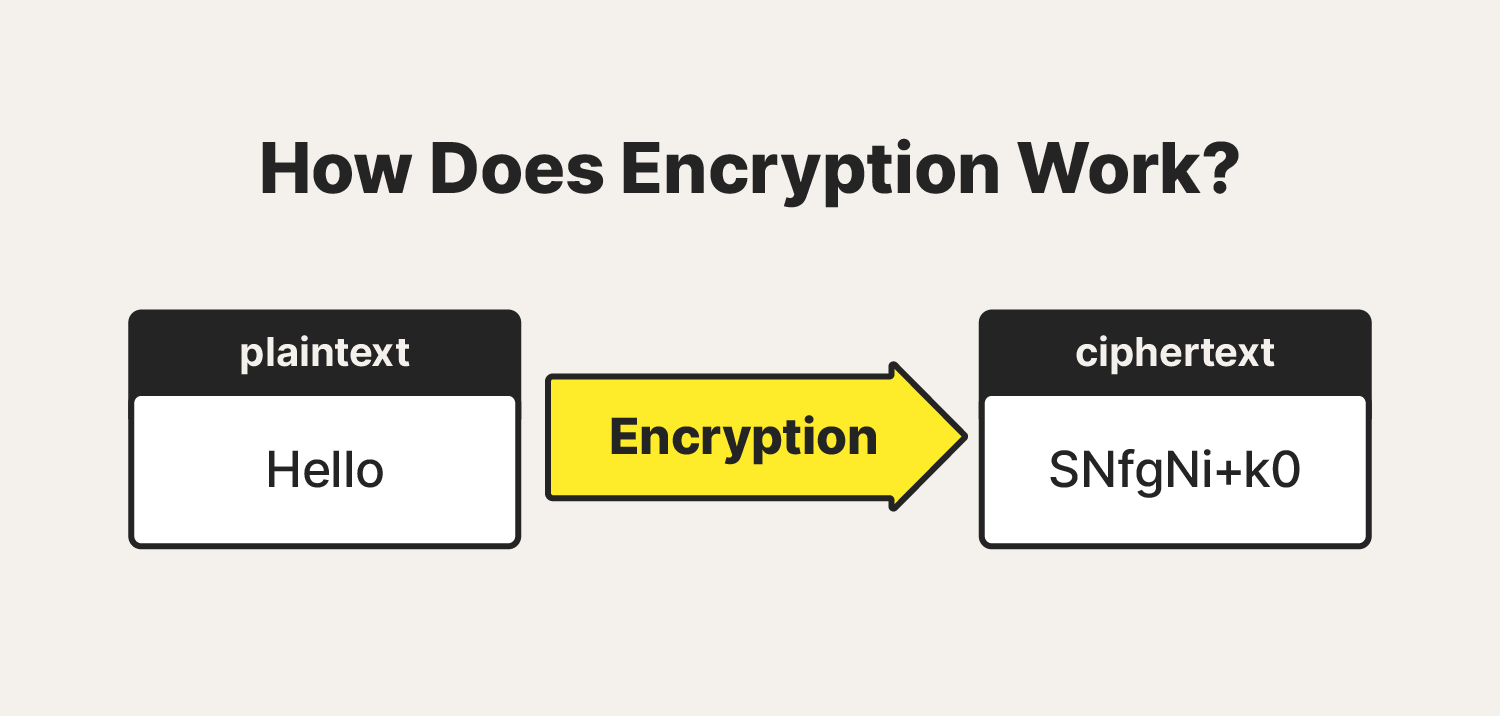
These keys are created using algorithms. Although the encrypted message appears to be a jumble of characters, the algorithm arranges it so that it can be decrypted only with the correct key.
Types of encryption
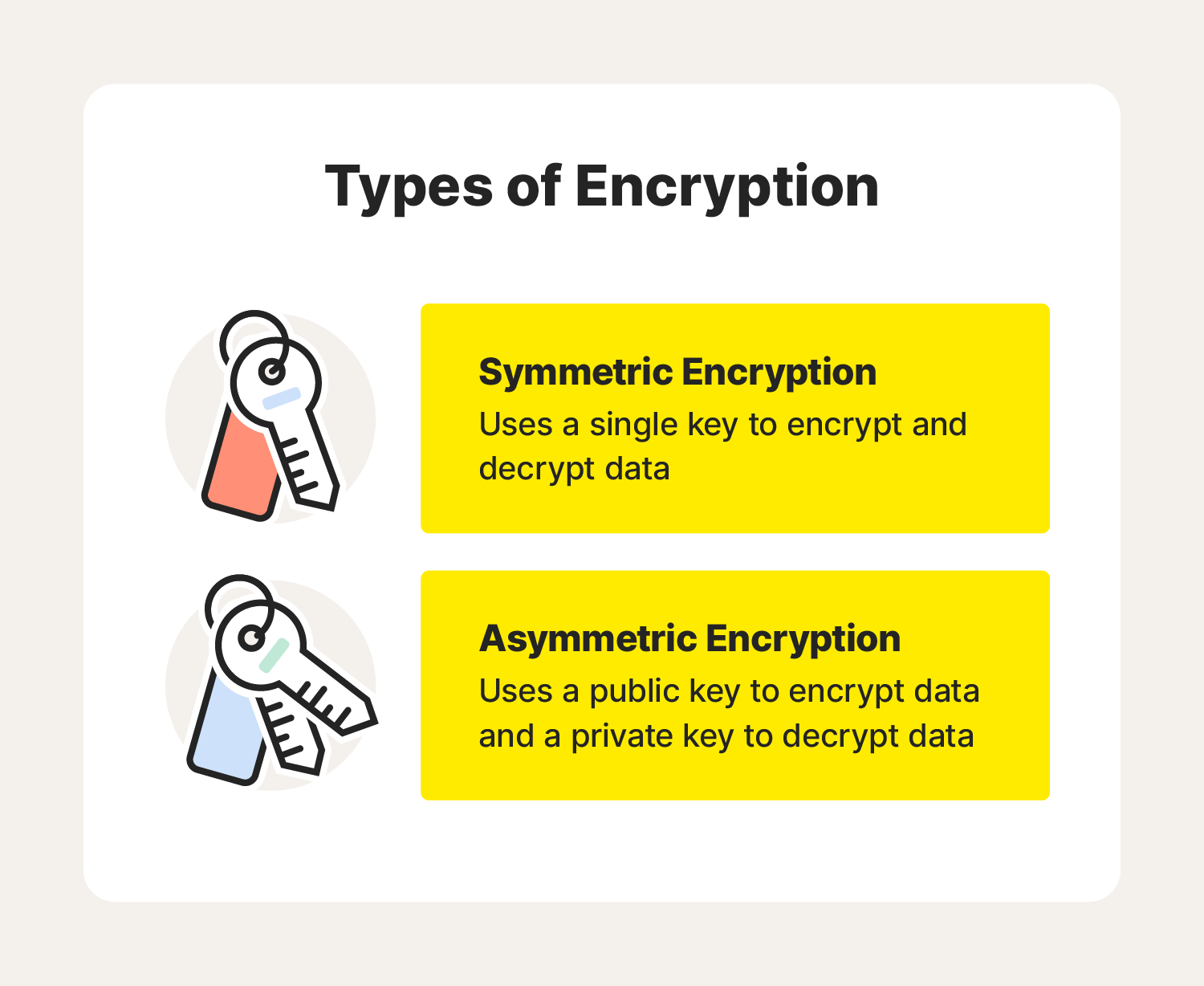
Encryption keys are made up of random numerical values generated by algorithms. Symmetric and asymmetric encryption are the two most commonly used types of encryption today.
Symmetric encryption
Symmetric encryption uses a single shared key for both encryption and decryption. This might be a password or a randomly generated string of characters. There are two styles of symmetric algorithms:
- Block algorithms encrypt data in fixed-sized chunks.
- Stream algorithms convert data one piece at a time.
Symmetric encryption is fast and efficient, which makes it ideal for everyday secure communication. Its main weakness is that both parties must hold the same secret key. If that key is intercepted, copied, or shared insecurely at any point, anyone who gets their hands on it can unlock every message protected by it. This creates a single point of failure, meaning the entire conversation is only as secure as the key itself and the way it’s exchanged.
Asymmetric encryption
Asymmetric encryption, also called public key cryptography, uses two keys instead of one. A public key is shared openly, while a private key is kept secret. Depending on what you want to achieve, the keys can be used in different ways:
- Encrypting with a public key ensures that only the matching private key can unlock the message.
- Encrypting with a private key allows the recipient to confirm the sender’s identity, because only the corresponding public key can decrypt it.
Asymmetric encryption is highly secure, but it can be slower due to longer key lengths and more complex calculations. For this reason, many systems use a combination of both symmetric and asymmetric methods.
What is an encryption algorithm?
An encryption algorithm is a set of rules that tell a device how to convert readable data into ciphertext. Although the output appears random, the algorithm follows a structured pattern, so the information can be unlocked again with the correct decryption key. Here are some of the most widely used encryption algorithms, from older systems to advanced modern standards.
- Data Encryption Standard (DES): Created in the 1970s, DES was once considered secure, but its 56-bit key is now too short to withstand modern attacks, making it unsuitable for protecting sensitive data.
- Triple DES (3DES): This method strengthened DES by applying three rounds of encryption. While more secure than DES, it still doesn’t meet today’s standards, and many systems have begun phasing it out in favour of stronger options.
- Advanced Encryption Standard (AES): Widely considered the industry standard, AES uses long key lengths and multiple rounds of encryption. Even a 128-bit AES key has never been cracked and would take trillions of years to brute-force crack. It’s considered the safest.
- Rivest-Shamir-Adleman (RSA): A popular asymmetric algorithm used for secure data transfer. Encrypting with a public key ensures only the matching private key can read the message, while encrypting with a private key allows the recipient to verify the sender’s identity.
- Twofish: A fast, free-to-use symmetric algorithm that relies on a 128-bit key. It is built to resist brute force attacks and works efficiently across both hardware and software.
- Elliptic curve cryptography (ECC): This advanced asymmetric method uses the mathematics of elliptic curves to create highly secure encryption. There is currently no known way to break the underlying mathematical problem, making it more secure than many earlier algorithms.
How encryption keeps internet browsing secure
Most trustworthy websites use Transport Layer Security, or TLS, the modern version of SSL. TLS protects information as it moves between you and a website, such as payment details or personal information you enter.
To check whether a site is using TLS, look for the padlock symbol next to the web address and the ‘s’ in https.
It’s best to use TLS-secured sites when you’re submitting sensitive information online, like tax details or licence renewals, or when your workplace requires encrypted communication.
How cybercriminals use encryption against you
Cybercriminals can use encryption maliciously through ransomware attacks that can target individuals, businesses, or even governments. Ransomware locks your files using strong encryption and demands payment to restore access. To help protect yourself:
- Install reputable security software and keep it up to date.
- Update your operating system and apps regularly.
- Avoid opening suspicious email attachments.
- Don’t enable macros in documents from unknown sources.
- Back up your files to an external drive.
- Use cloud storage that keeps previous versions of files.
- Avoid paying ransoms, as there’s no guarantee your files will be restored.
Encryption is essential for protecting your personal information, but ransomware underscores the importance of staying alert.
Stay protected in an increasingly connected world
As more of our personal lives, work, and everyday tasks shift online, the risks of sending information through unencrypted channels become harder to ignore. Sensitive data can fall into the wrong hands without you ever knowing. Encryption helps close those gaps, but it works best when paired with reliable, always-on protection.
Norton 360 Deluxe adds that extra layer of defence by helping safeguard your devices, blocking suspicious activity, and protecting the information you share online. Focus on what you’re doing instead of worrying about who might be watching. It’s one of the simplest ways to enjoy greater peace of mind every time you browse.
FAQs
Can a hacker see encrypted data?
A hacker may be able to intercept encrypted data, but they’ll only see unreadable ciphertext unless they manage to obtain the key or break the encryption.
What is the most common encryption attack?
Brute-force attacks are the most common method for attempting to break encryption. Strong, modern encryption uses long keys that make brute-force attacks impractical.
How do you keep encrypted data safe?
Use apps with end-to-end encryption, enable device encryption, turn on two-factor authentication, and keep your systems up to date to stay protected.
Editorial note: Our articles provide educational information for you. Our offerings may not cover or protect against every type of crime, fraud, or threat we write about. Our goal is to increase awareness about Cyber Safety. Please review complete Terms during enrollment or setup. Remember that no one can prevent all identity theft or cybercrime, and that LifeLock does not monitor all transactions at all businesses. The Norton and LifeLock brands are part of Gen Digital Inc.







Want more?
Follow us for all the latest news, tips, and updates.